


How do you configure Field Service on Scratch Org and get it to work on the Salesforce Field Service mobile app?
This guide will help you with the minimum setup needed to get Field Service working especially for mobile users.
This is the link to Salesforce’s official documentation: https://help.salesforce.com/s/articleView?id=sf.fs_set_up.htm&type=5
Enable Field Service
- From Setup, enter Field Service Settings in the Quick Find box, then select Field Service Settings.
- Enable Field Service, and click Save to display more settings.

Install the Field Service Managed Package
- To install the Field Service Managed Package, you need to open this link: https://fsl.secure.force.com/install
- install the package for admins only
Note: Choose the Sandbox version for Scratch org. However, if you are configuring for a Production or Developer org, then you can install the production version.
Once installed, you will get two applications: Field Service and Field Service Admin

Manage Field Service Permissions
Go to the Field Service Admin app and open the Field Service Settings tab.
Create the following permission sets:
- Field Service Dispatcher
- Field Service Resource
- Field Service Agent

Assign these Permission Sets and Licenses to the User.

Create Service Territories and Service Resources for Field Service
Create a New Service Territory.
An Operating Hour will be needed during this process.

Create a new Service Resource

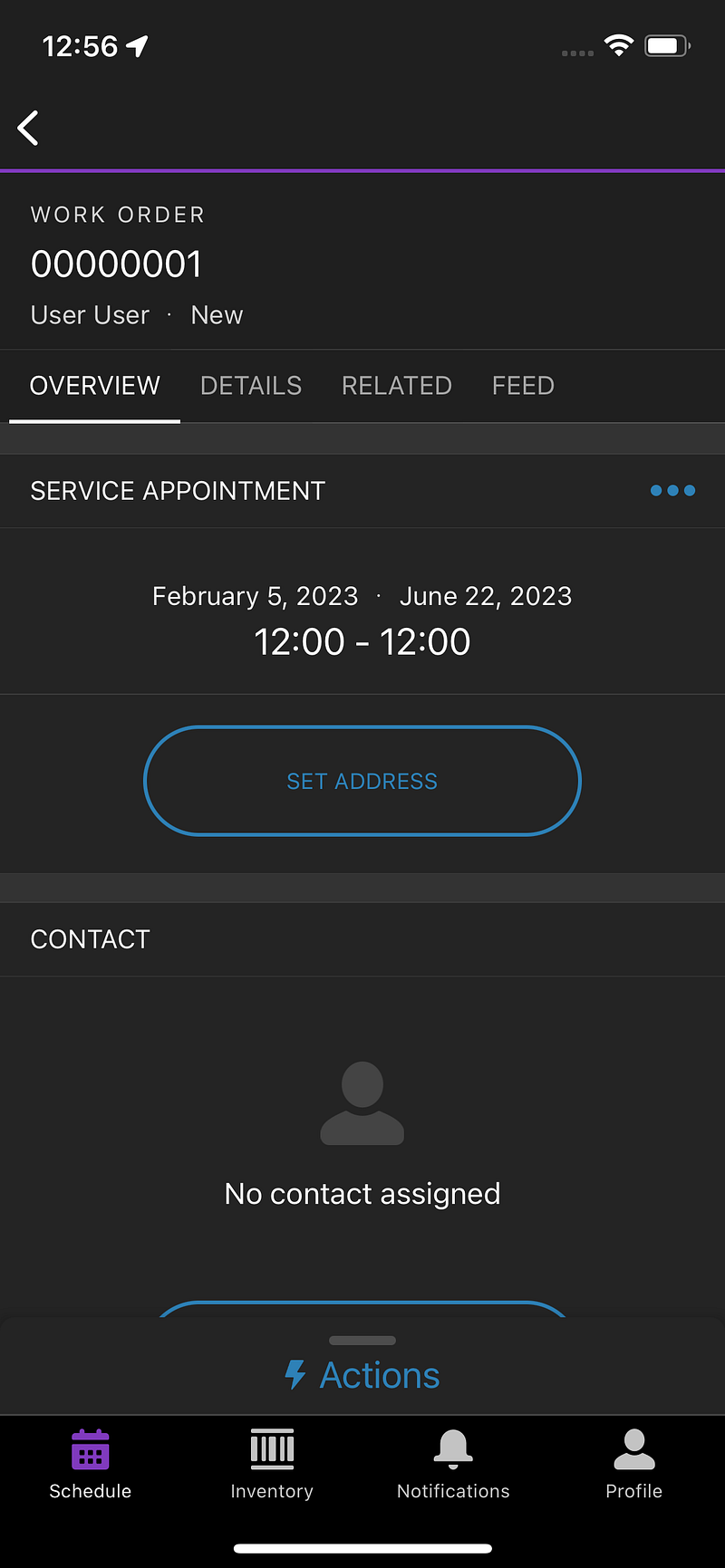
At this stage, you should be able to log in to the Field Service Mobile App.
Work Order
Create a new Work Order.
From there, create a new Service Appointment. Make sure you add the Scheduled Start and Scheduled End.

On the Service Appointment, assign a new Assigned Resource.

That’s it. You should see the Service Appointment on your Salesforce Field Service App.
Bonus
If you want to develop Lightning Web Component (LWC) in Offline Mode for Field Service, here’s where you can get started: https://trailhead.salesforce.com/trailblazer-community/groups/0F94S000000GwNLSA0?tab=discussion&sort=LAST_MODIFIED_DATE_DESC


Leave a Reply